
Download Crossword Puzzles+ : PC & XBOX – crossword, puzzle, word game, brain game, solve, challenge, logic, vocabulary, puzzle solver, puzzle game, word search, crossword puzzle, brain teaser, logic puzzle, word game, puzzle app
Overview
Crossword Puzzles+ : PC & XBOX delivers a focused, ad-free experience centered on classic crossword gameplay, designed for users seeking mental stimulation through word-based challenges. The app functions as a standalone puzzle tool that emphasizes logical thinking, vocabulary expansion, and creative problem-solving without requiring internet access or collecting personal data. It is ideal for casual players, lifelong puzzle enthusiasts, and individuals looking for a distraction-free way to engage their minds during downtime.
The game is particularly suited for those who appreciate the elegance of traditional puzzles and value uninterrupted gameplay. Although the developer did not provide additional background information about the team’s history or prior projects, the app’s design philosophy suggests a commitment to simplicity, accessibility, and user privacy. Real-world use cases include daily mental exercises, travel entertainment, and educational enrichment for learners of all ages.
In the broader app ecosystem, Crossword Puzzles+ stands out by offering a no-frills, offline-first alternative to mainstream puzzle apps that often rely on monetization through ads or in-app purchases. Its presence on both PC and Xbox platforms indicates a deliberate effort to serve users across multiple device categories, reinforcing its role as a versatile brain-training utility.
Key Features & Functionality
- No Interruptions: The app eliminates ads and in-app purchases, ensuring a consistent and immersive puzzle-solving experience. Users can focus entirely on the challenge without external distractions, which enhances concentration and enjoyment.
- Multiple Control Options: Players can interact using a mouse, keyboard, or controller on PC, while Xbox users benefit from an intuitive controller interface. This flexibility accommodates different user preferences and device setups.
- Touch Screen Friendly: Optimized for touch-enabled devices, the app allows seamless input and navigation on tablets or compatible handheld systems, making it accessible for on-the-go play.
- Brain-Training Fun: By encouraging regular engagement with word clues and letter patterns, the app supports cognitive development, including memory retention, pattern recognition, and vocabulary acquisition.
- Solution Creativity: The design promotes lateral thinking by presenting clues that require imaginative interpretations, leading to rewarding moments of insight and discovery when puzzles are solved.
For example, a player might encounter a clue like “Feline friend (6)” and must consider both literal and figurative meanings to arrive at the correct answer, “cat.” This process not only tests knowledge but also trains the mind to explore alternative solutions. The absence of time pressure allows users to work at their own pace, making it suitable for both quick sessions and extended puzzle-solving marathons.
Interface, UX & Performance
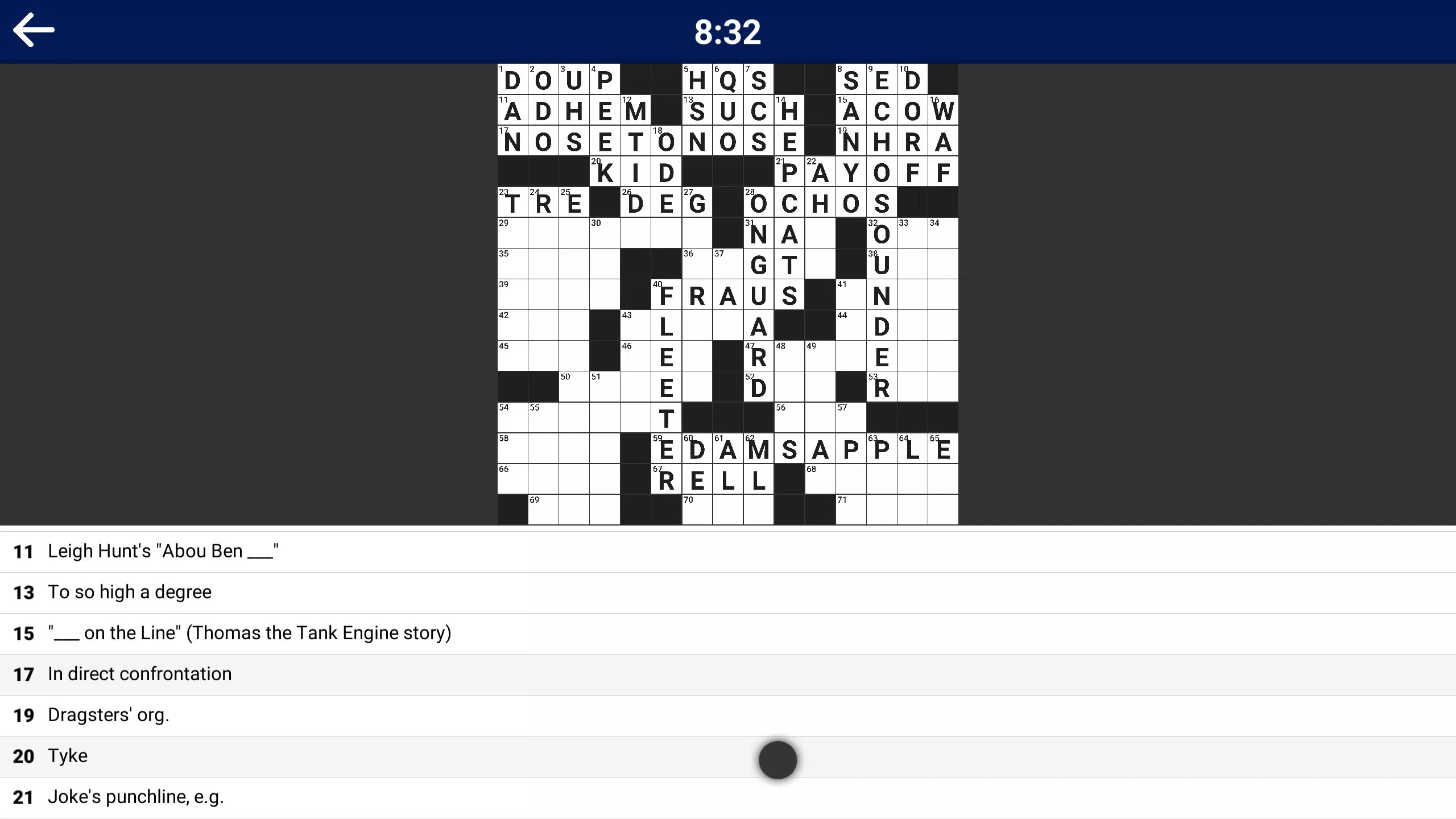
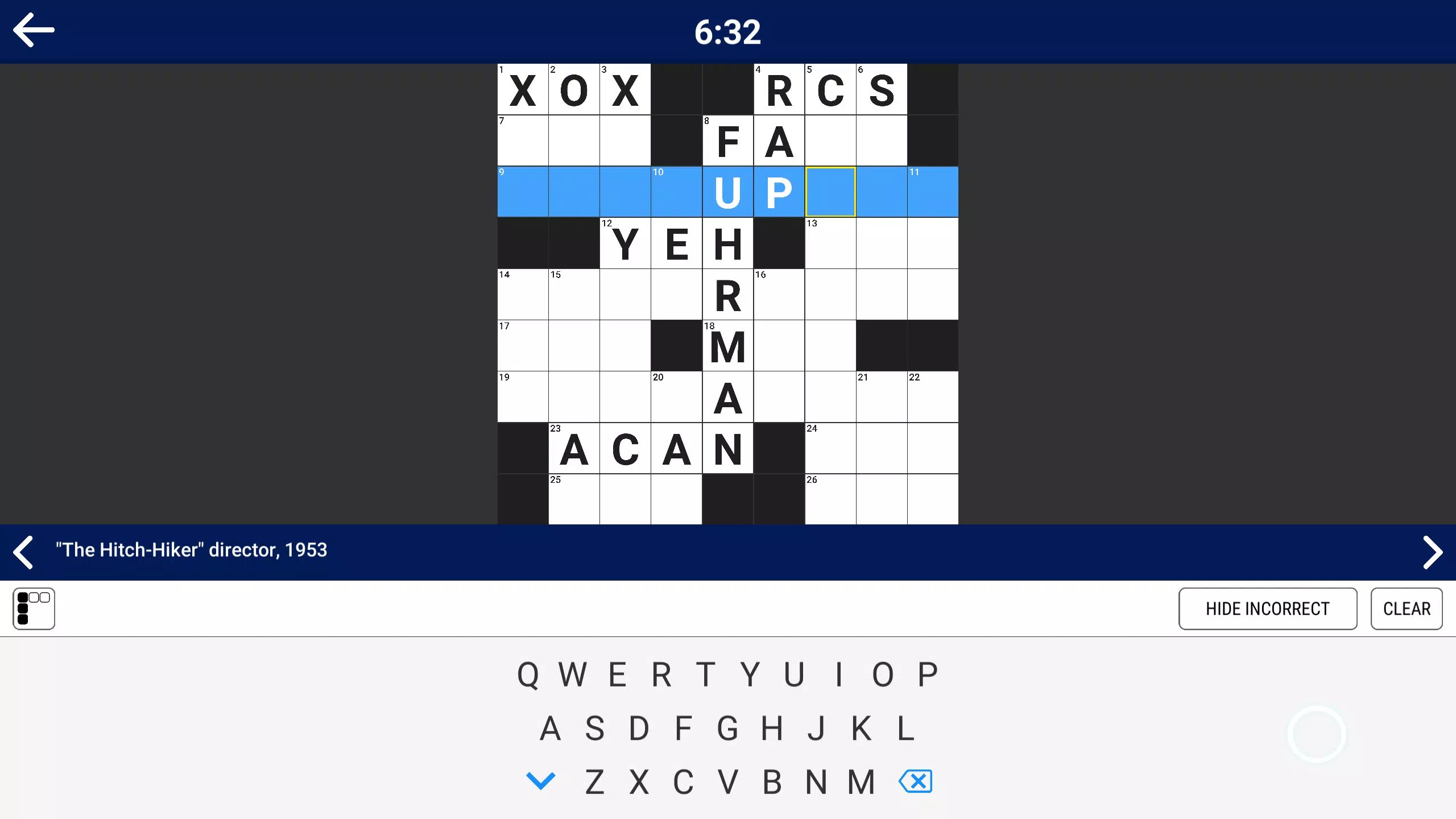
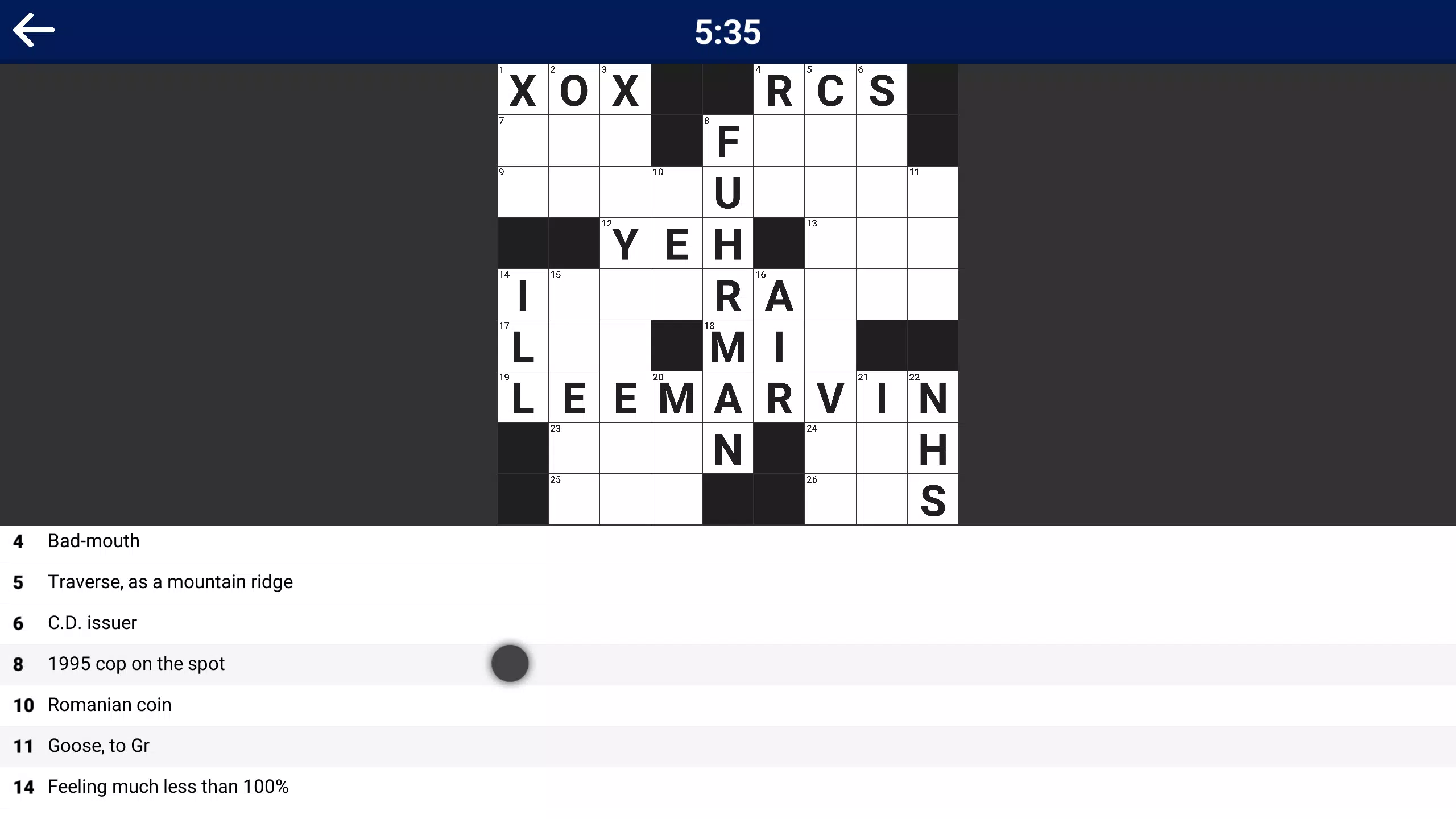
The user interface of Crossword Puzzles+ is designed with clarity and functionality in mind, featuring a clean layout that prioritizes the puzzle grid and clue list. The visual style is minimalistic, using high-contrast colors to distinguish between white and black squares, enhancing readability. Navigation is straightforward, allowing users to move between clues and cells with ease using any supported input method.
On touch devices, tap gestures are responsive, and letter input is smooth, reducing the chance of errors. The app maintains consistent performance across different device categories, though the developer did not list formal performance metrics or device-specific benchmarks. Although the developer did not specify minimum OS requirements, the app’s lightweight file size of 145.6 MB suggests efficient resource usage.
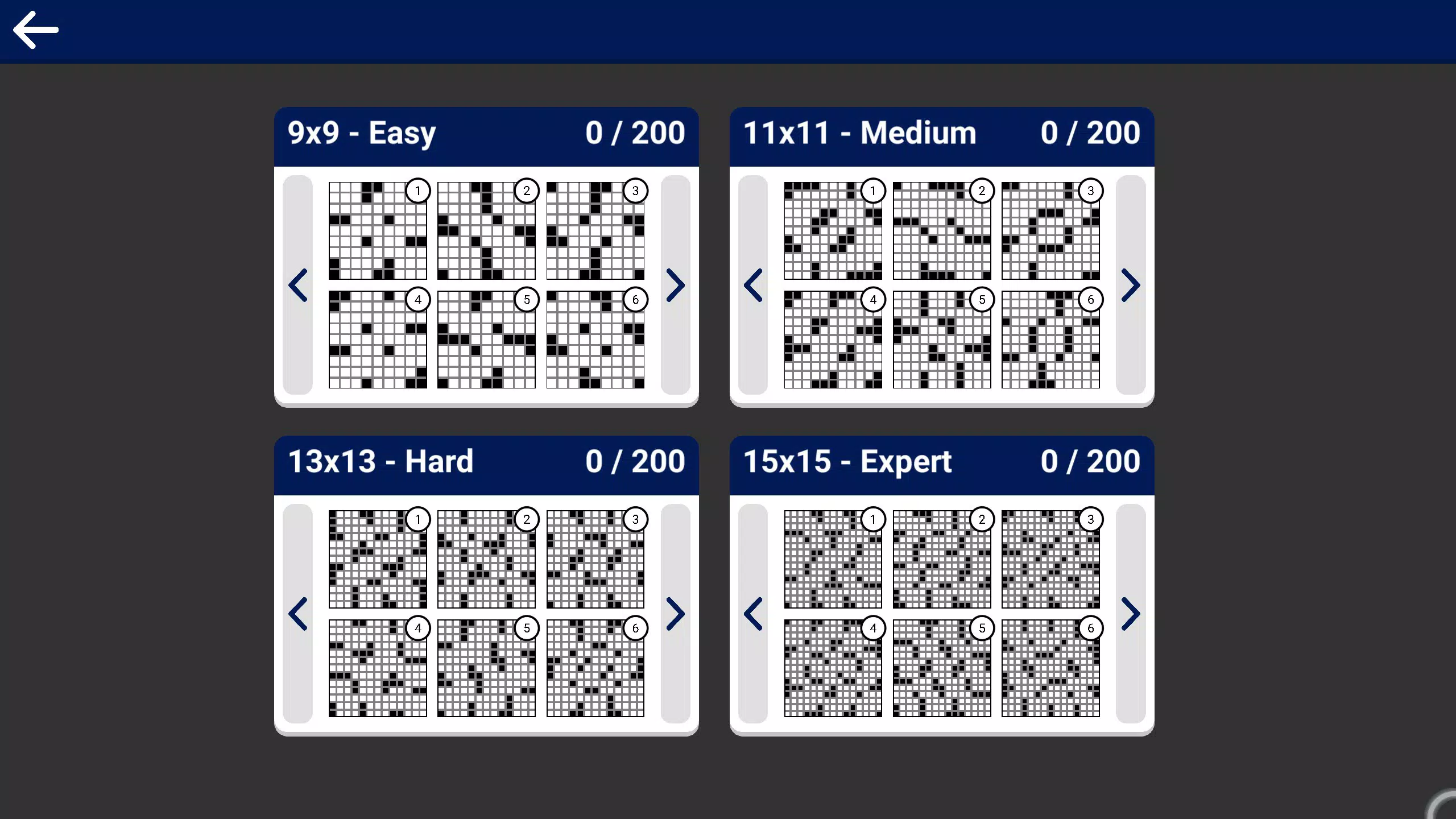
Stability appears reliable, with no reported issues related to crashes or freezes. The absence of internet dependency ensures consistent operation regardless of connectivity, which contributes to a stable and predictable user experience. Overall, the app balances simplicity with usability, offering a smooth journey from puzzle selection to completion.
Platform Compatibility & Technical Requirements
Crossword Puzzles+ is available on two platforms: PC and Xbox. The app runs on Windows-based systems and Xbox consoles, though specific OS versions were not listed by the developer. The file size is 145.6 MB, indicating a compact footprint that should not strain storage on most devices.
The app is offered at no cost, making it accessible to a broad audience. Specific hardware requirements, such as processor speed, RAM, or graphics capabilities, were not disclosed. The developer did not specify minimum OS requirements or compatibility with older systems.
Users are advised to ensure their device supports the necessary input methods—mouse, keyboard, or controller—depending on their preferred platform. While the app is optimized for touch screens, the extent of support on hybrid devices was not detailed. Compatibility information was not fully disclosed, so users should verify their system specifications before installation.
Pros and Cons
- Ad-free and no in-app purchases for uninterrupted gameplay
- Supports multiple input methods including controller, keyboard, and touch
- Offline functionality with no internet requirement
- Lightweight file size of 145.6 MB
- Encourages vocabulary growth and cognitive engagement
- Specific technical requirements were not listed
- Compatibility with older systems was not confirmed
- Developer background information was not provided
- Platform-specific customization details were not disclosed
- Version history and update frequency were not shared
FAQ
Is Crossword Puzzles+ available for free?
Yes, the app is currently free to download and use on both PC and Xbox platforms.
Does the app require an internet connection?
No, Crossword Puzzles+ operates entirely offline. No internet access is needed to play or solve puzzles.
Can I use a controller to play on PC?
Yes, the app supports controller input on PC, offering a seamless experience for users who prefer gaming controllers.
Is the app safe to install?
Yes, the app does not collect personal data and has no known security risks. It is designed with privacy in mind.
Are there regular updates to the puzzle content?
The developer did not disclose information about update frequency or content refresh cycles.
Final Thoughts
Crossword Puzzles+ : PC & XBOX offers a refreshing take on the classic word game genre by prioritizing user experience, privacy, and mental engagement. Its ad-free, offline-first design makes it a reliable choice for anyone looking to enjoy a focused puzzle-solving session without distractions. The support for multiple control methods and touch compatibility ensures broad accessibility across devices.
While technical details such as system requirements and update history remain undisclosed, the app’s lightweight nature and clean interface suggest thoughtful development. It is especially valuable for users who value cognitive stimulation and a distraction-free environment. Whether you're a longtime crossword fan or new to the genre, this app delivers a pure, satisfying experience.
Download Crossword Puzzles+ now.


